




Unlock your creative potential with Xmind
Transform your ideas into clear, actionable plans with our intuitive mind mapping software. Visualize your thoughts, collaborate seamlessly, and achieve your goals.



Explore the power of Xmind
Discover how Xmind can revolutionize your workflow and enhance your productivity.

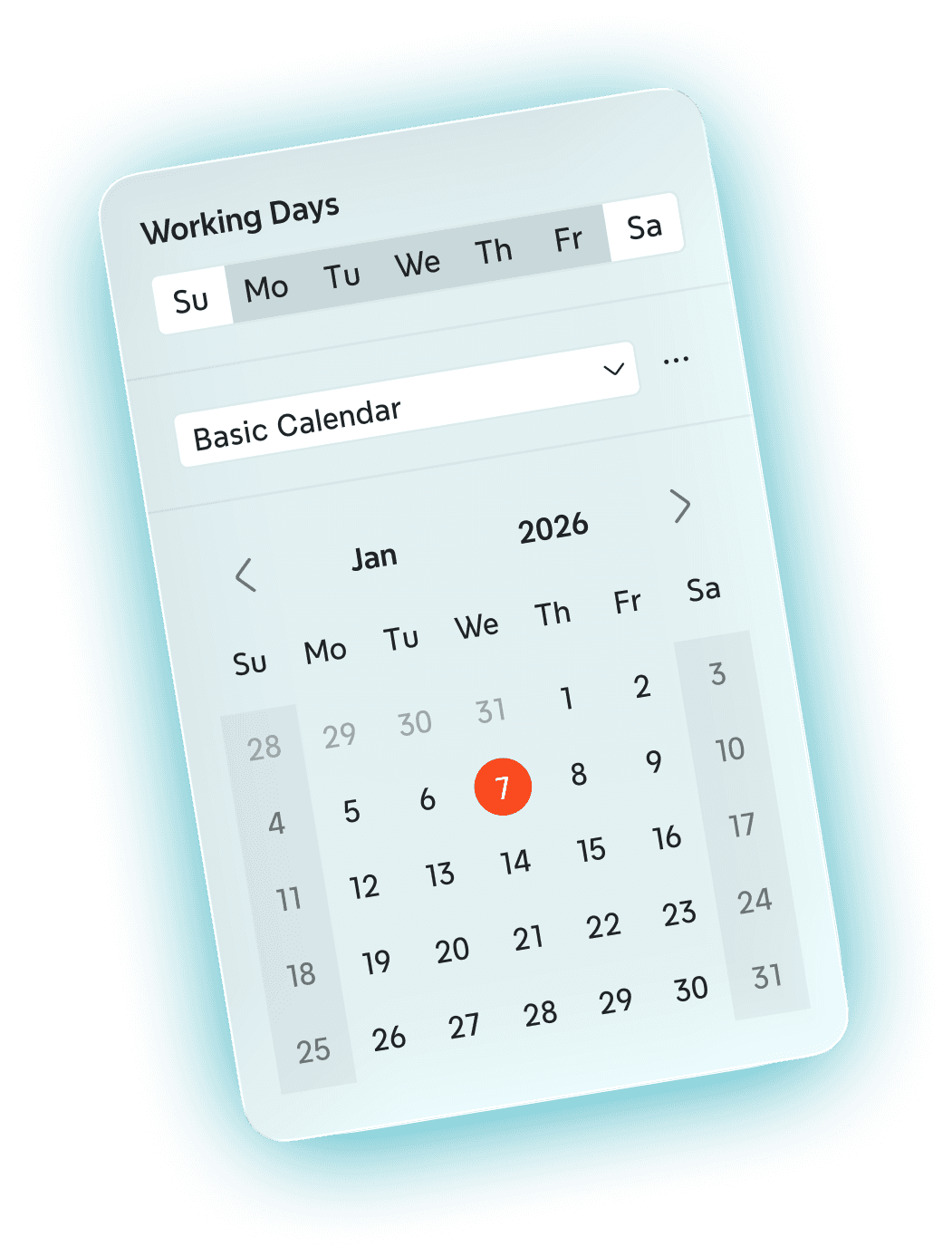
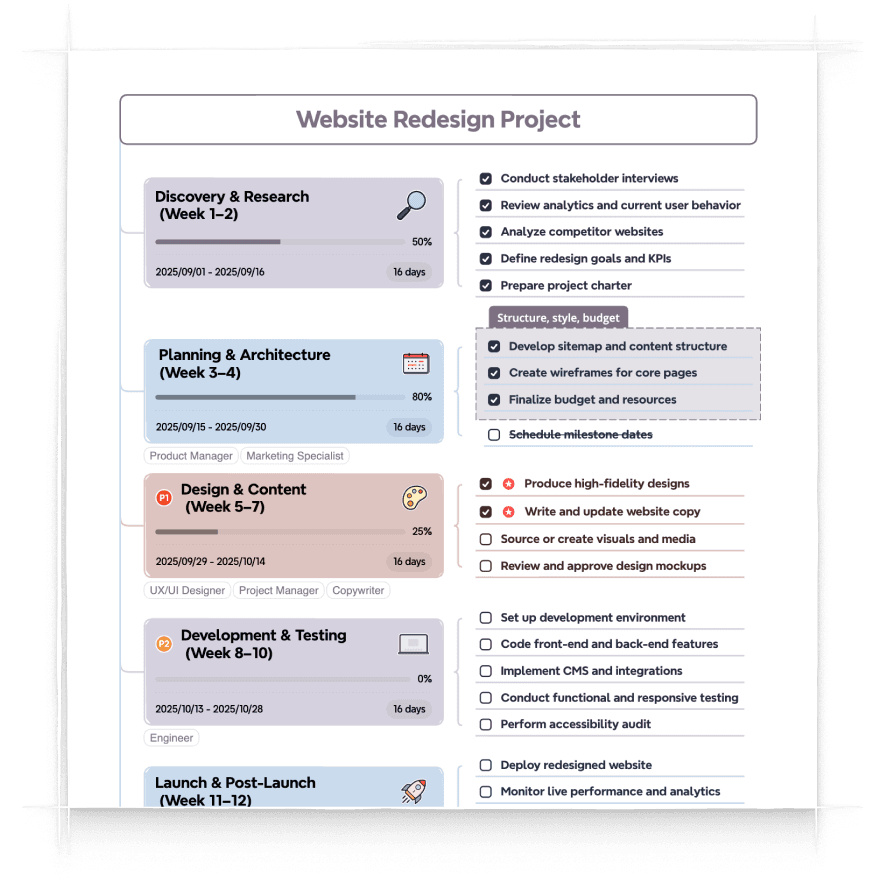
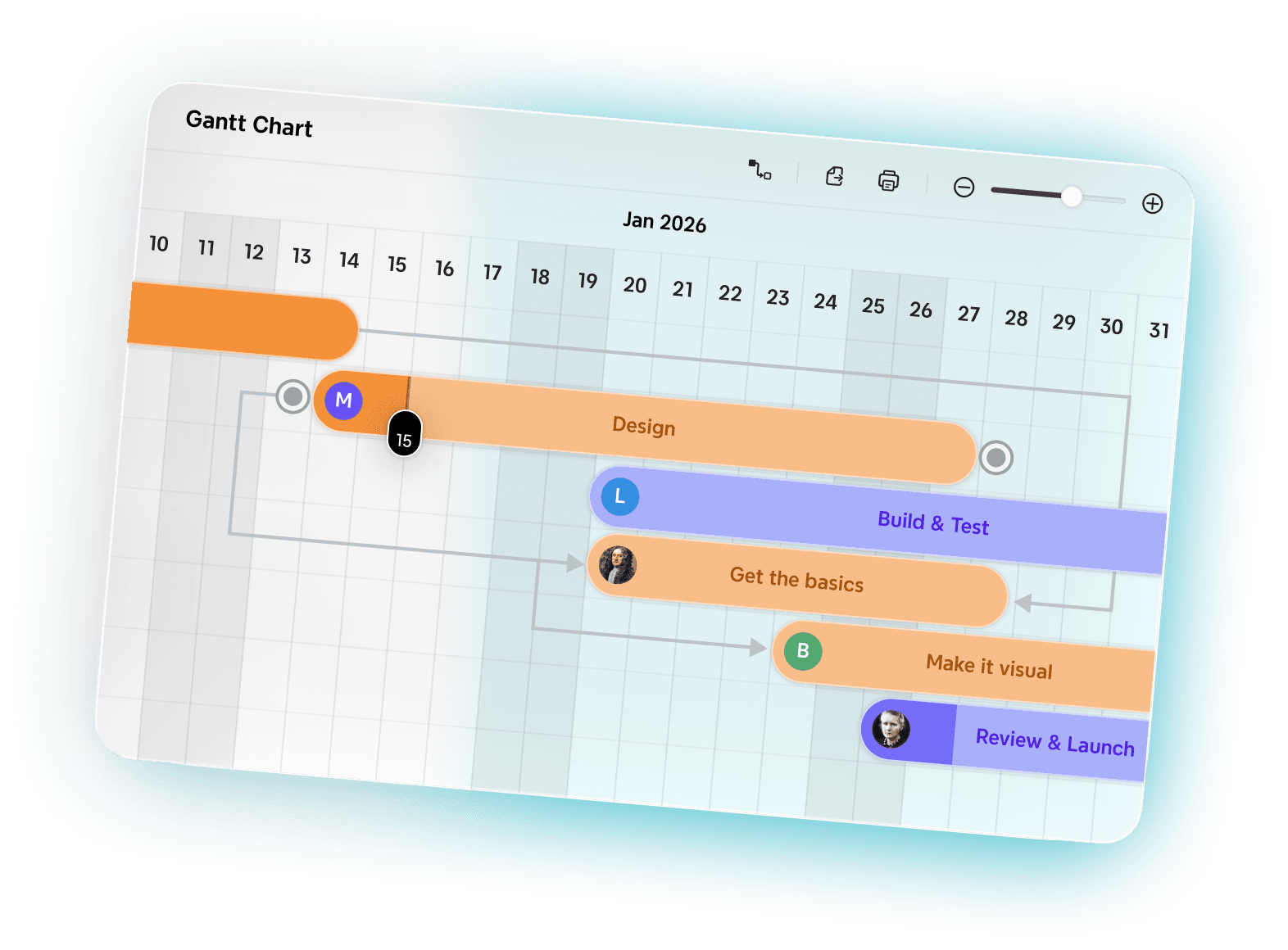


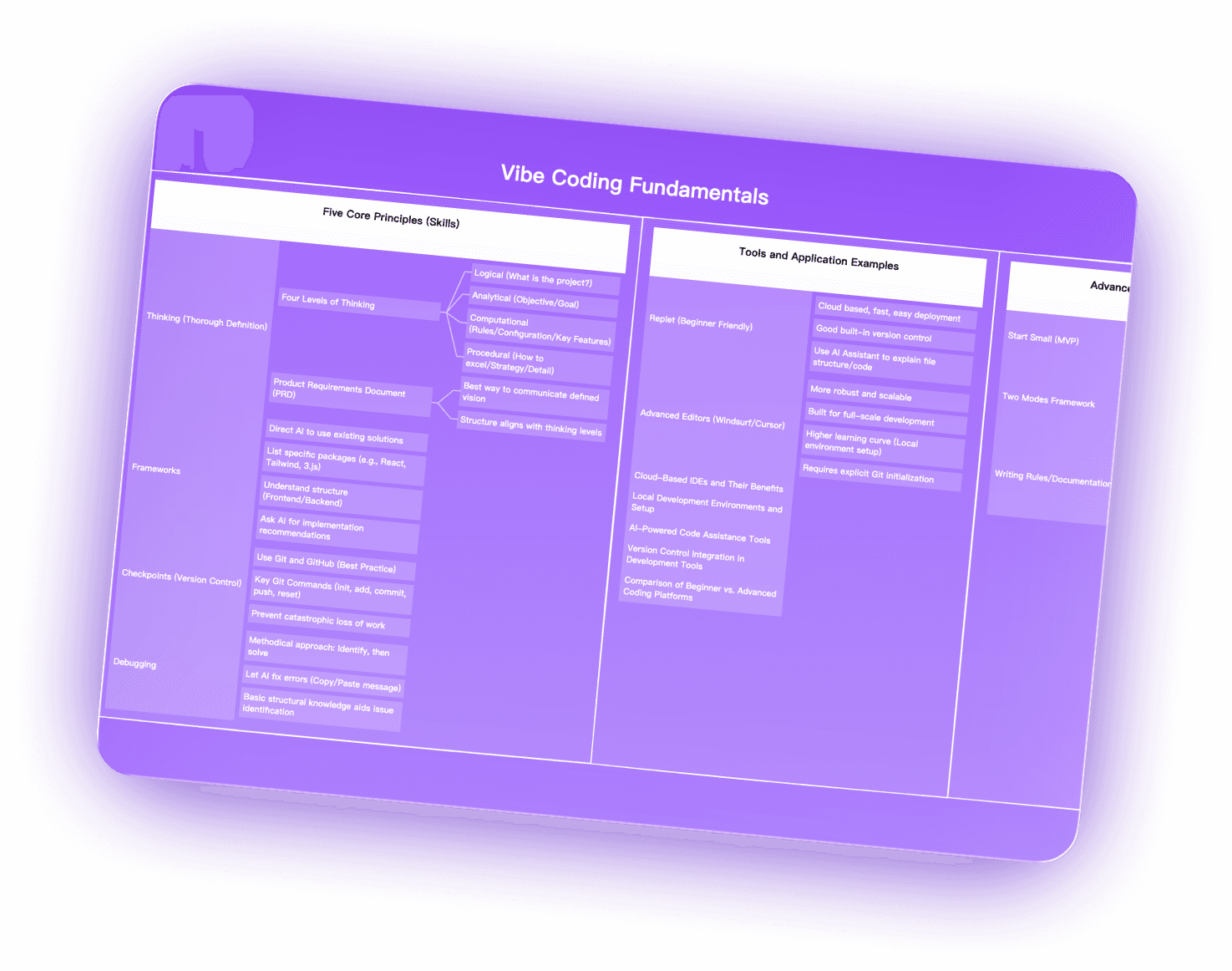



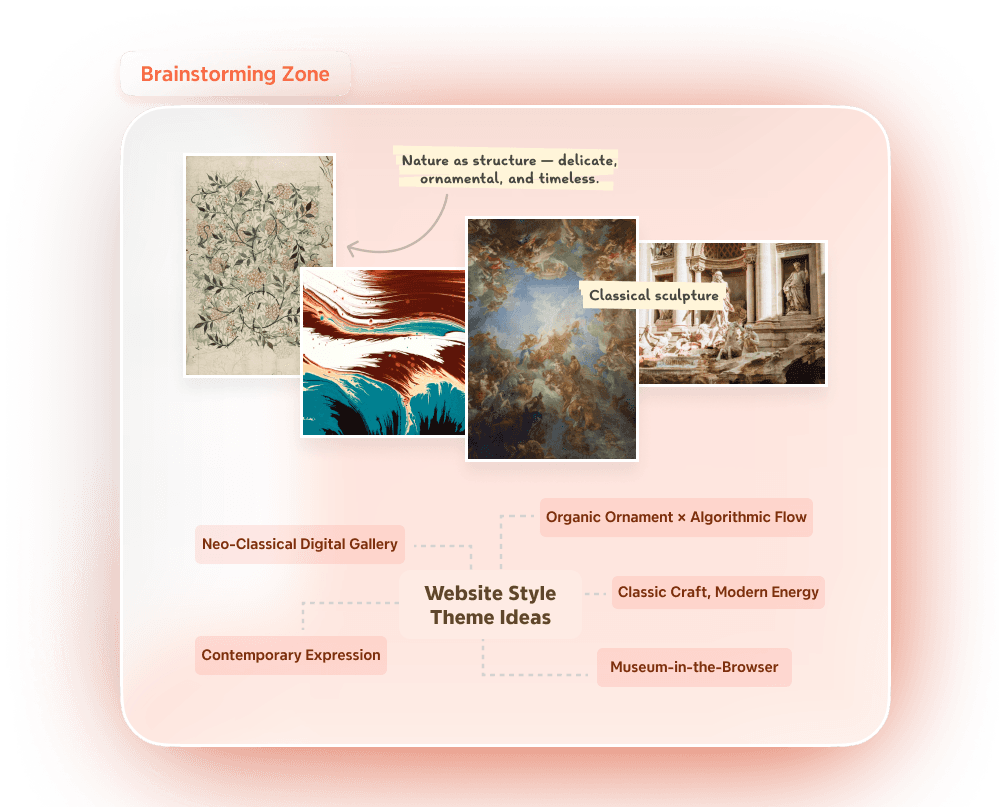



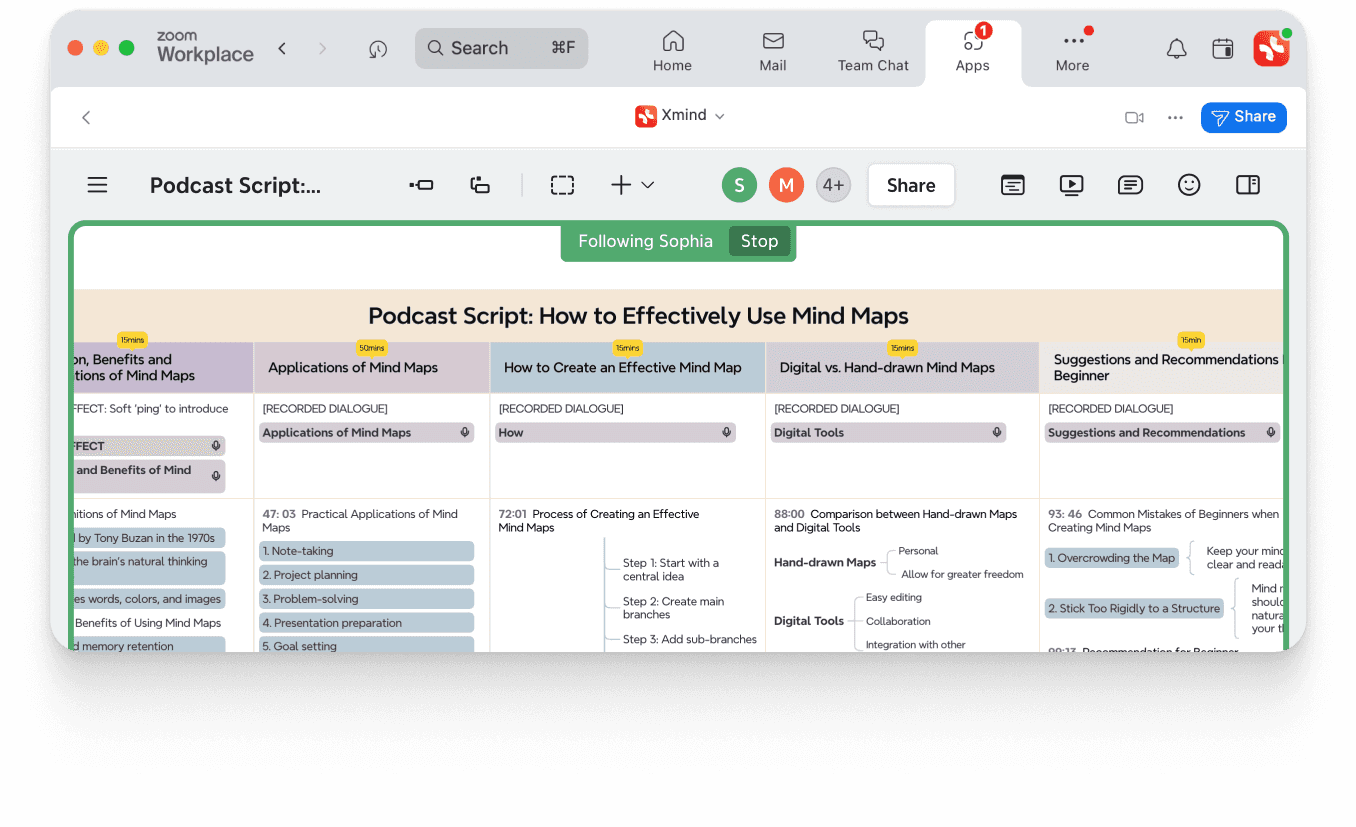

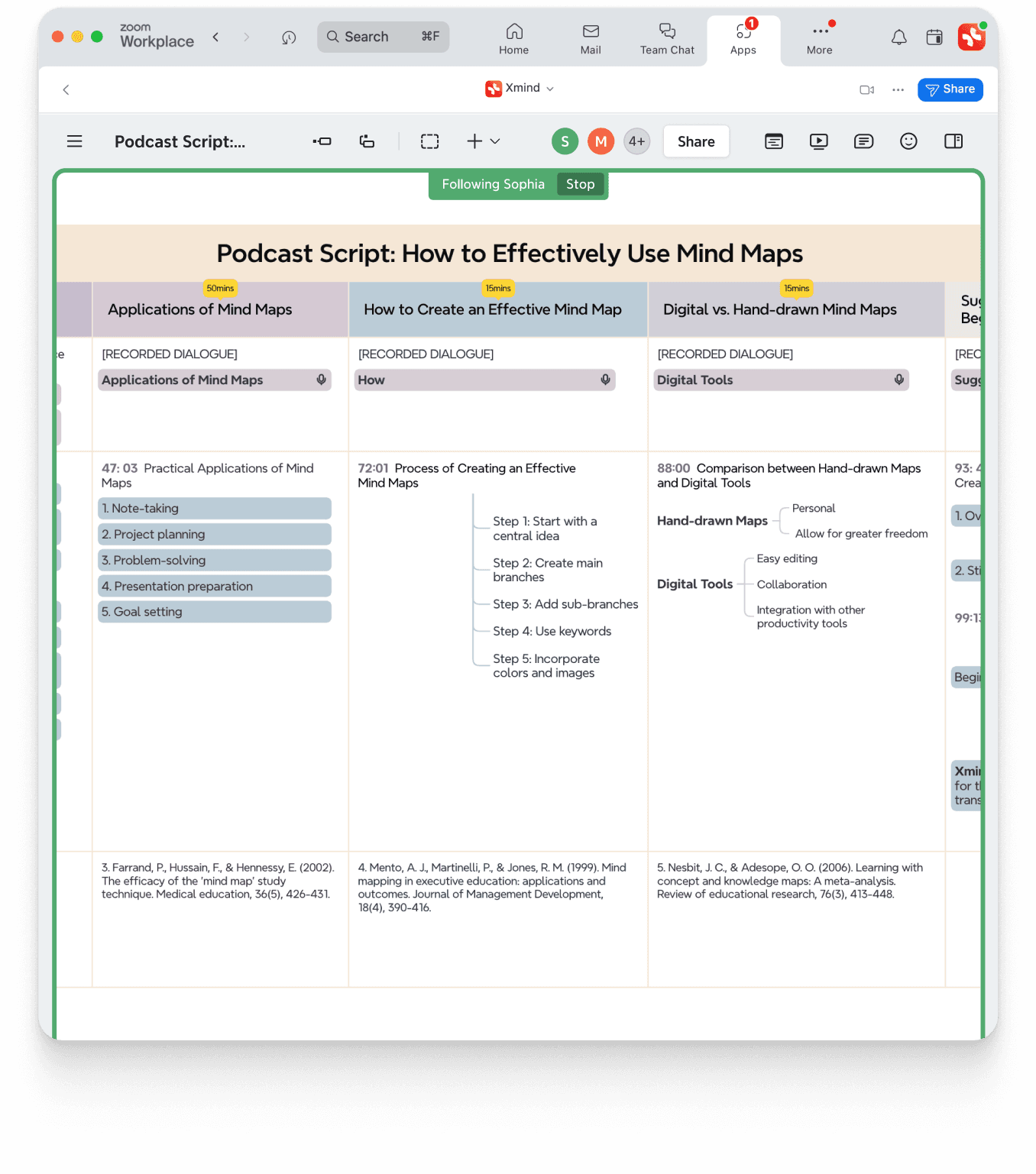
See how Xmind can be applied
Explore various use cases and see how Xmind can help you achieve your goals.




No credit card required · Works on web, desktop, and mobile.
Discover more with Xmind
Learn how Xmind’s features help you organize, create, and share ideas effortlessly.

Label and Note
Tag topics with labels for better classification and expand topics with notes for detailed explanations.

Task and Marker
Turn mind maps into trackable to-do lists and highlight key points with markers.

Web Link and Topic Link
Quickly redirect to web pages for online resources and navigate to specific topics for increased efficiency.

Attachment
Insert various file formats to collect, organize, and access related information quickly.

Local Image and Sticker
Add local images and stickers for a visually distinctive and inspiring mind map.

Audio Note
Record and insert audio notes to capture key information in classes, meetings, and lectures.

Equation
Add mathematical and chemical equations (LaTex) for easy math and chemistry notation.

Custom Color Themes
Customize color themes to meet your unique visual needs.

File Export
Share your mind maps by exporting them to PDF, PNG, and more formats.
What makes Xmind’s features different from other mind mapping tools?
Xmind combines visually structured layouts, AI-powered mind mapping, project management, and real-time collaboration in one place. Unlike other tools, it helps you move seamlessly from brainstorming to execution while keeping your ideas secure.
Can I manage projects directly inside Xmind?
Yes. With Project Management in Xmind, you can create tasks, set priorities, and track progress—turning your mind maps into actionable workflows without switching tools.
How does ai mind map work?
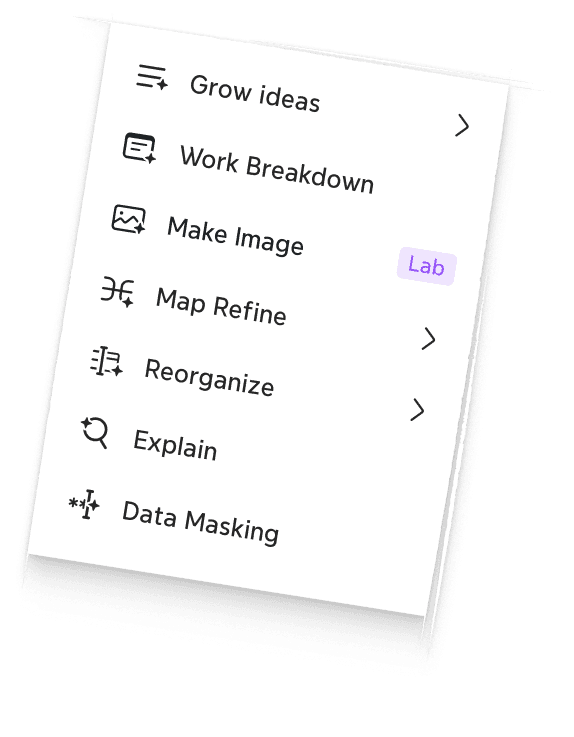
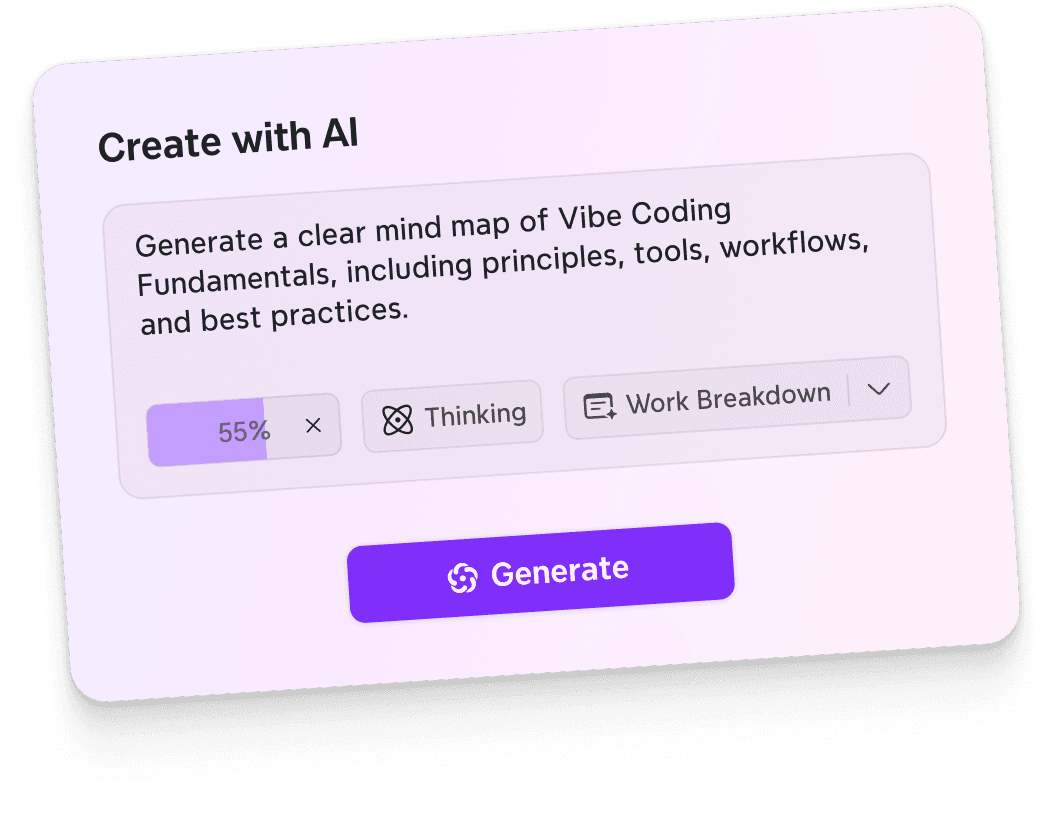
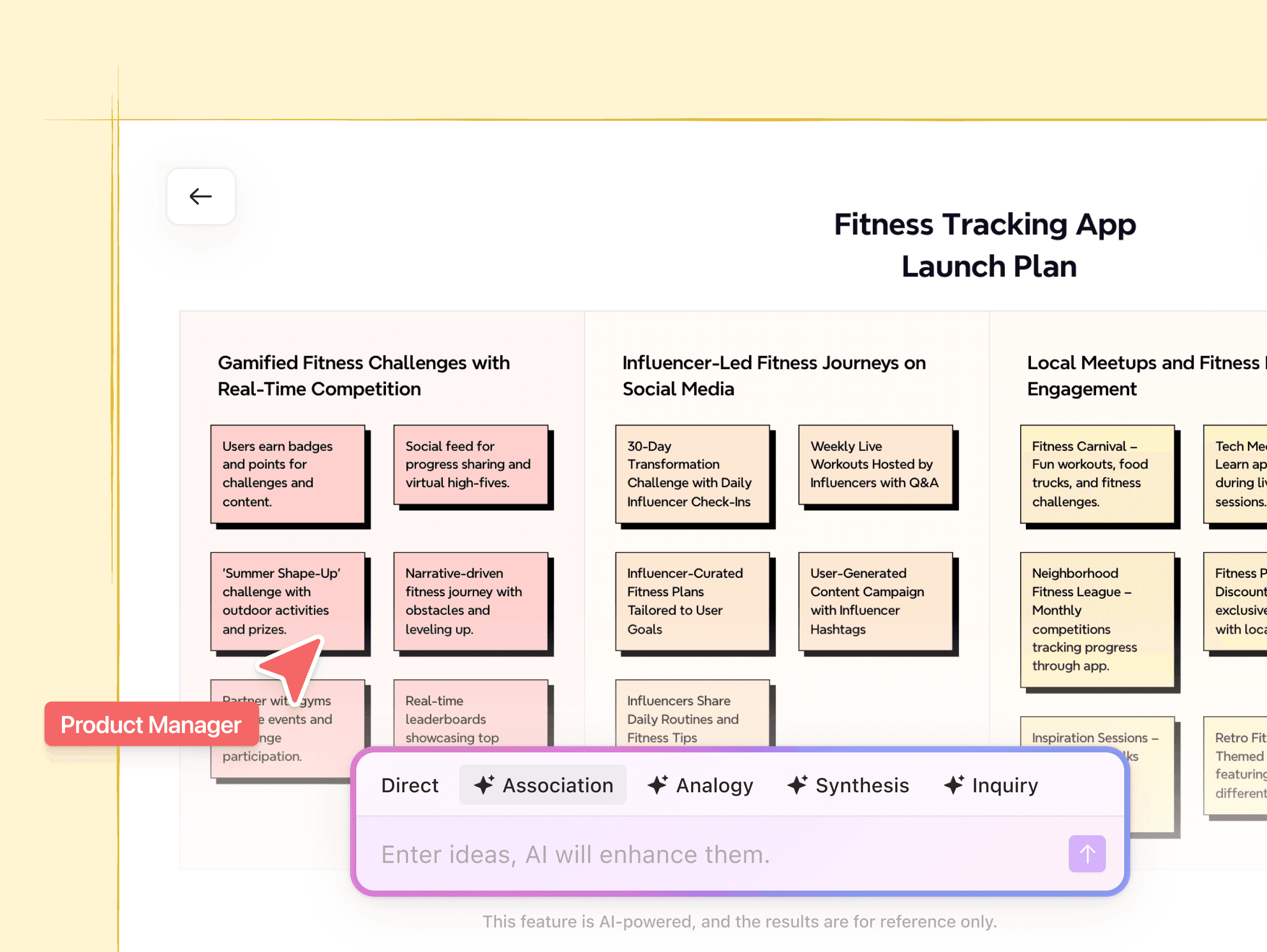
AI mind map instantly generates structured maps based on your input. Just type in a topic or keywords, and AI will create branches and layouts to help spark new ideas and save time.
Is ai mind map free to use?
AI features are available on supported plans. You can try them out for free, and upgrade for unlimited access.
Can I collaborate with my team in real time?
Absolutely. Xmind allows multiple people to brainstorm, add notes, and refine ideas together in real time, so teams stay aligned and productive.
What integrations does Xmind support?
Xmind connects with popular productivity tools for easier sharing, exporting, and collaboration. This keeps your workflow smooth and everything connected.
Is my data secure in Xmind?
Yes. Xmind uses enterprise-grade security to protect your ideas and data, ensuring safe collaboration and storage.
Does Xmind comply with data protection standards (e.g., GDPR)?
Yes. Xmind is fully compliant with major data protection and privacy standards, so you can share and collaborate with confidence.
Can I try Xmind features for free?
Yes. You can download Xmind for free and explore core features right away. Premium features like AI Mindmap and advanced project management are available on paid plans.




